 Marten
Everything Marten does
It’s free on every device and has no ads. Things marked Supporter need Supporter.
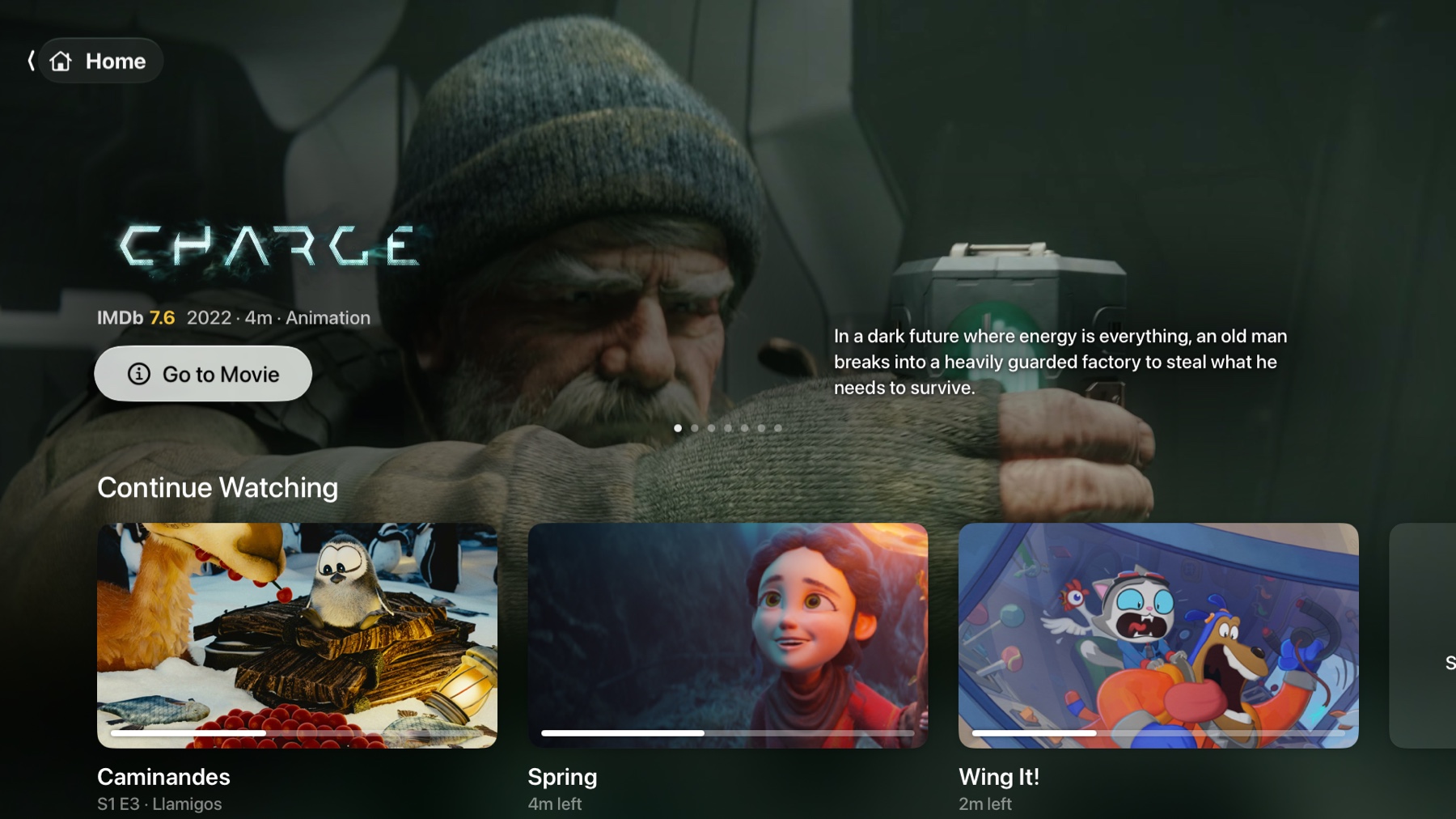
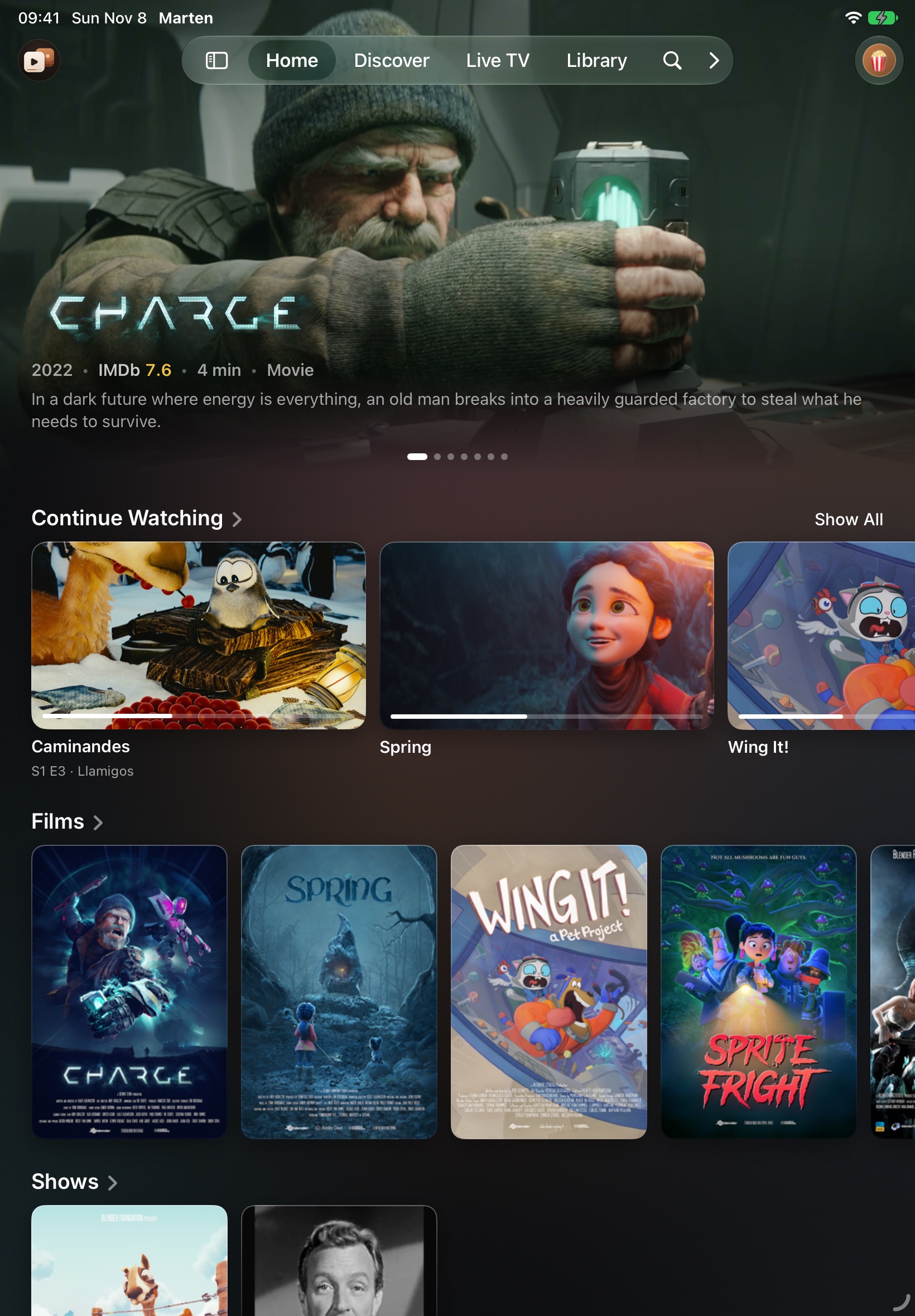
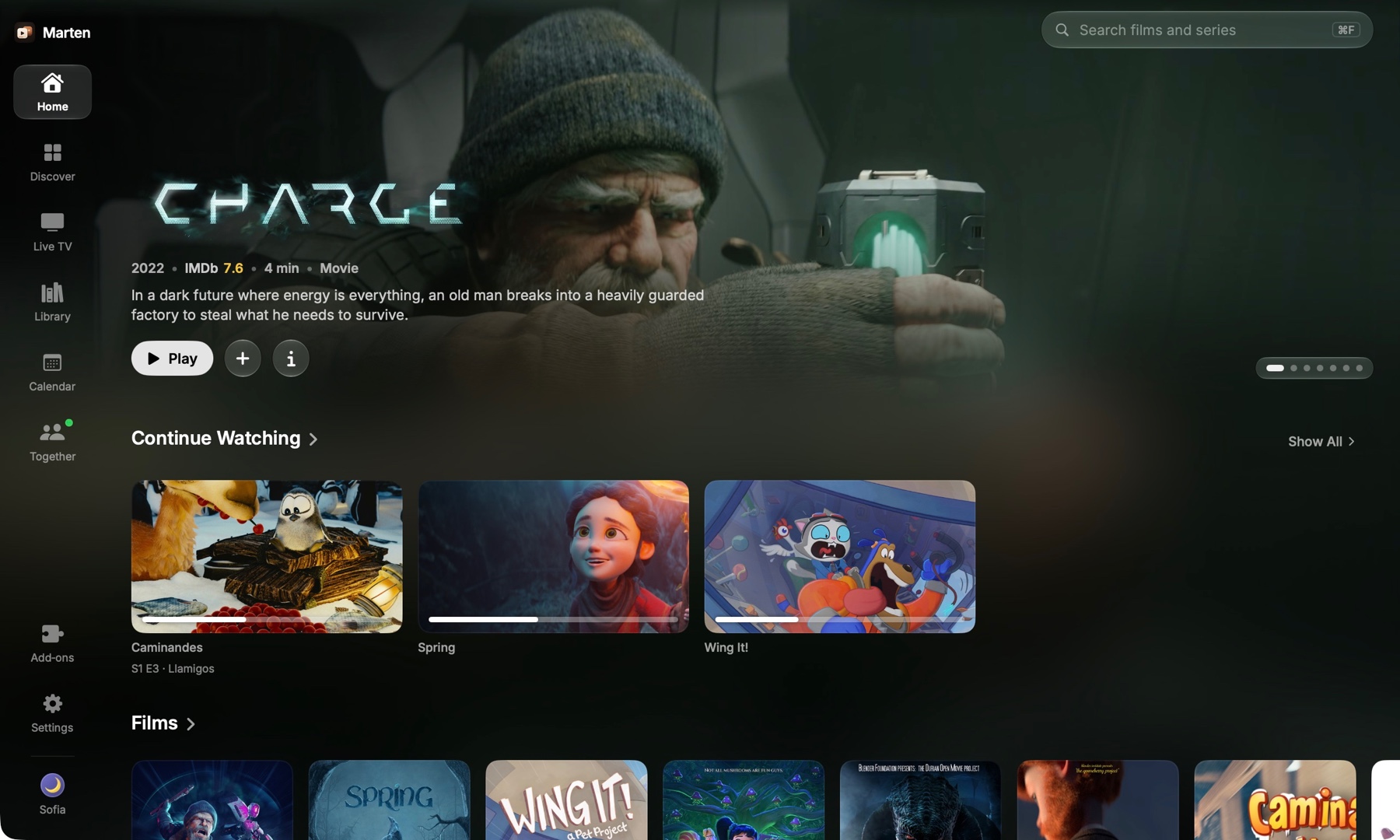
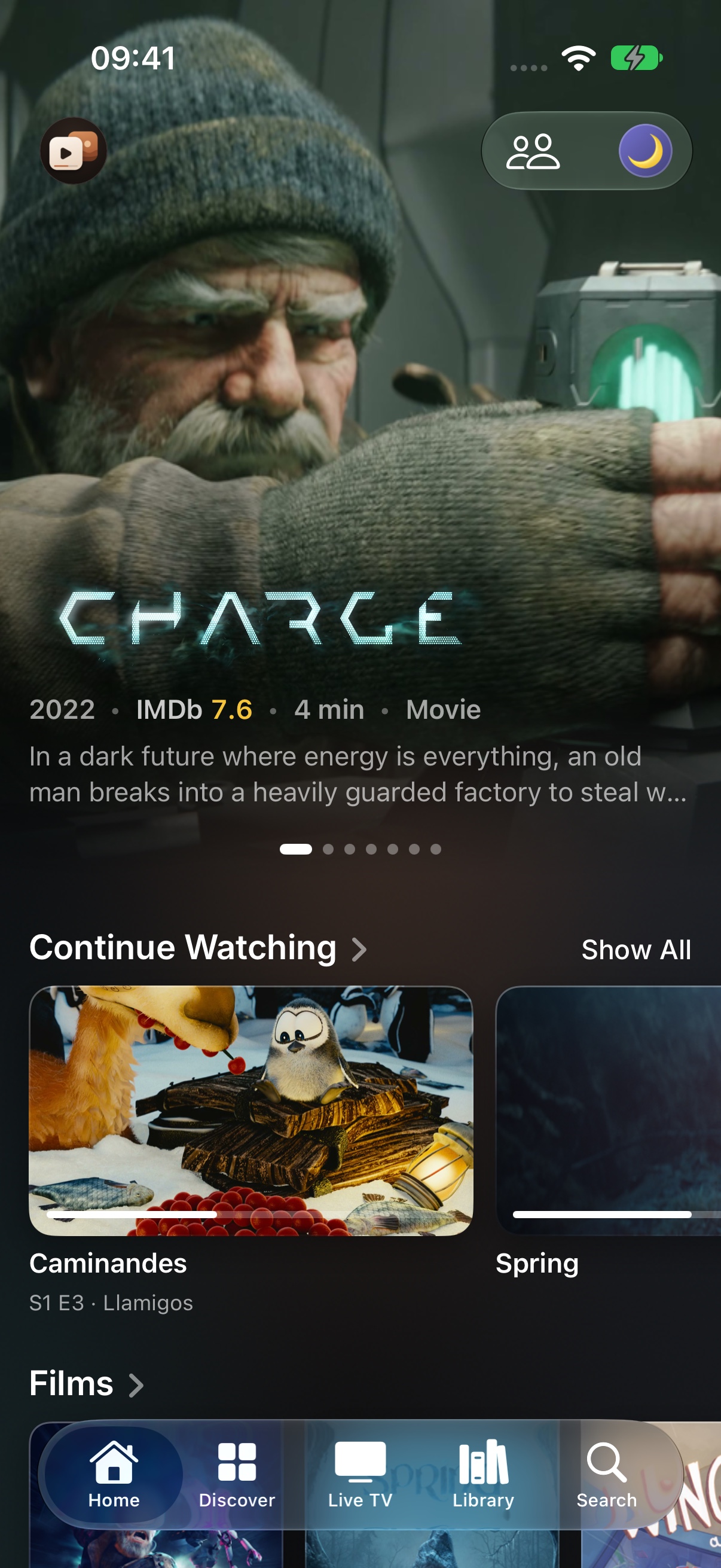
01
What it plays
Your own server
Jellyfin, Emby or Plex. Your libraries become rows on Home, and Search covers the whole server.
Add‑ons
Add them by their address. Marten doesn’t come with any that provide video.
IPTV
An M3U playlist or an Xtream login. With Xtream, the provider’s films and series show up with the rest.
From Stremio
Bring your library, history, add‑ons and profiles over in one go.
A file on your Mac
Open it from the File menu.
02
The same everywhere
Continue Watching
Stop an episode on the TV and it’s waiting on your phone. A show you finished comes back when there’s a new episode.
Watched marks
Mark something watched on one device and it’s marked on all of them.
Profiles
Up to eight. Each has its own Continue Watching and library, and can have a PIN.
History
Lists every film and episode you’ve watched, by day.
Trakt and Simkl
What you watch shows up there too.
03
Finding something
Home
Rows from all your sources. Put them in the order you want and hide the ones you don’t.
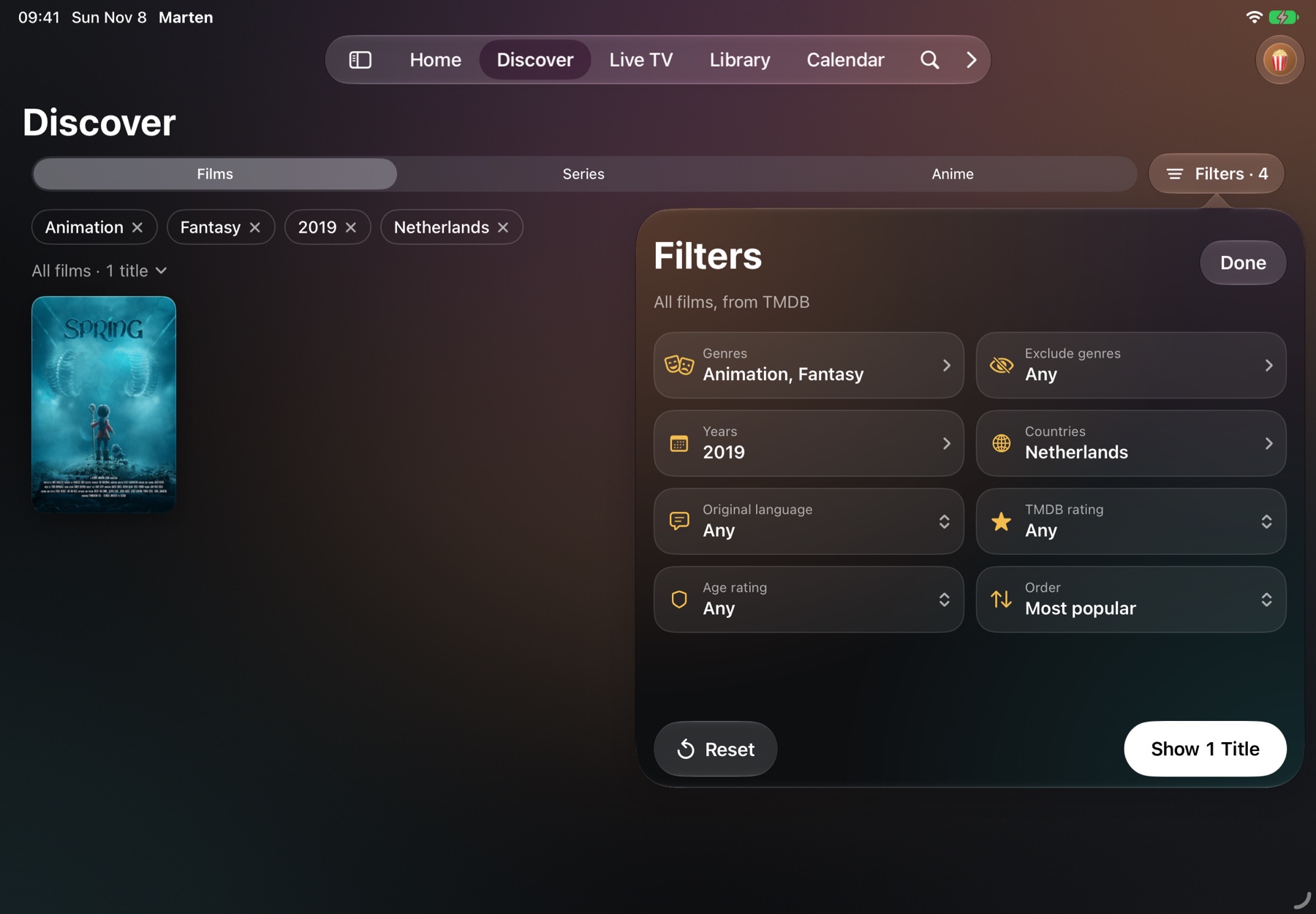
Discover
Browse every catalog you have by type and genre.
Search
Searches your server and your add‑ons at once.
Calendar
New episodes of the shows you follow, by day. Your server’s shows too.
04
Title pages
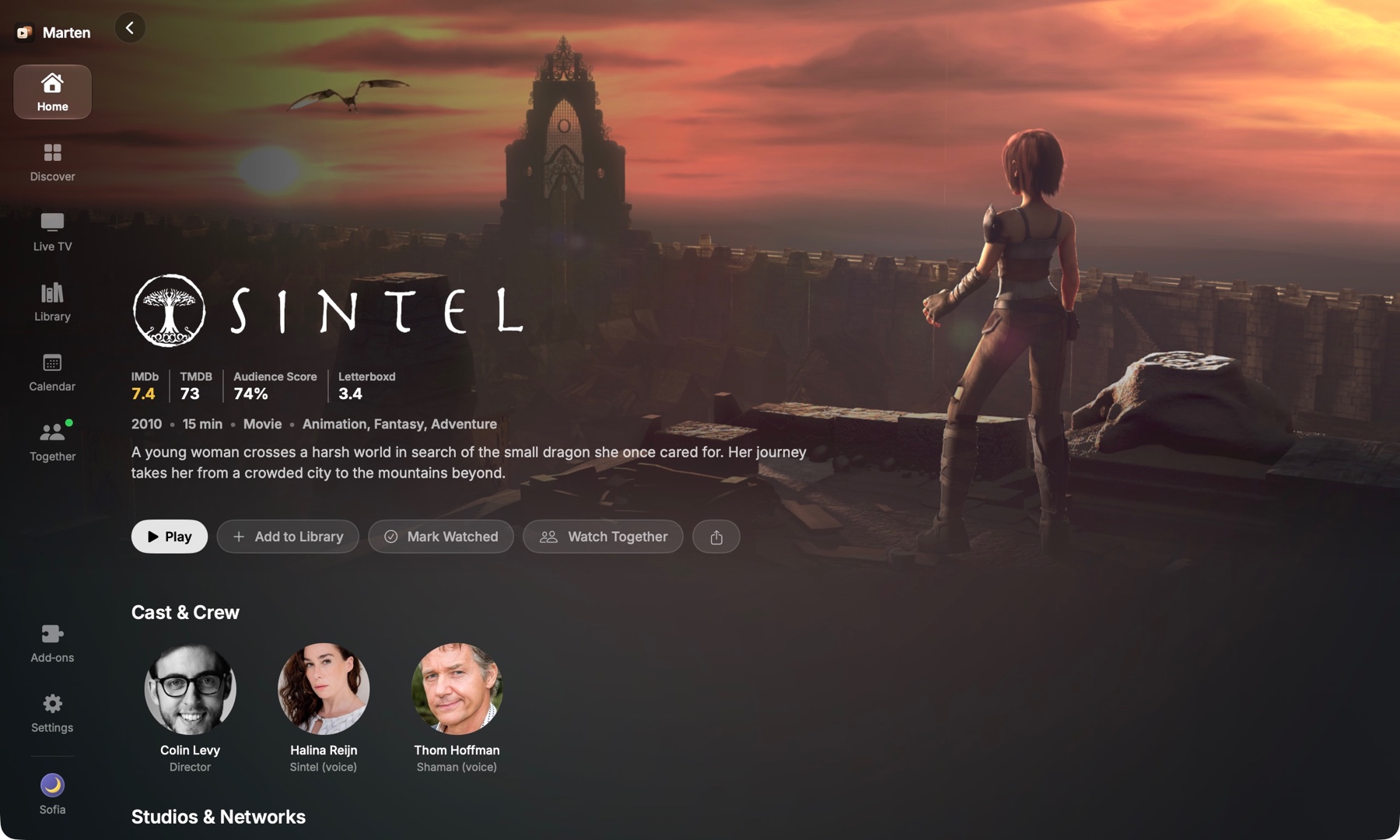
Play
On the title page, next to the story, the IMDb score and the genres.
Seasons
Every season and episode, with the ones you’ve seen marked.
Streams
Every source’s streams in one list, with clear names, or the add‑on’s own words if you prefer.
No Sources
When nothing you’ve added can play a title, the page says so instead of showing Play.
Stream Rules Supporter
Hide streams you don’t want by word, quality or size, and pick which come first.
05
The player
HDR
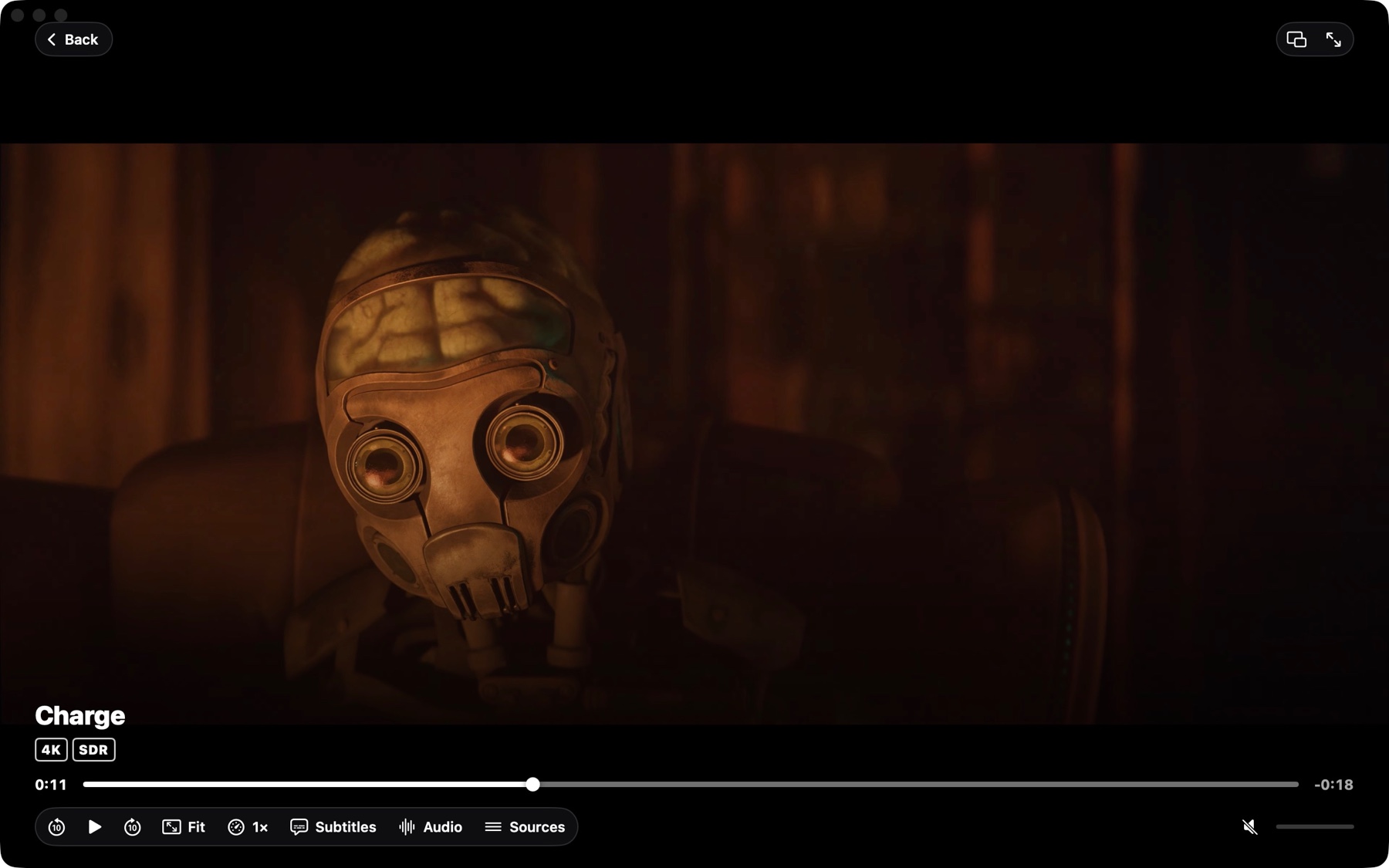
Dolby Vision, HDR10+, HDR10 and HLG. A small label shows what actually reaches your screen.
Atmos
Sent to your receiver or soundbar. On Apple TV with tvOS 26, TrueHD Atmos and DTS:X keep their height.
Frame rate
On Apple TV, the TV switches to each film’s frame rate and range.
Skip Intro
Intros, recaps and endings marked on IntroDB, or on AniSkip for anime, show on the timeline. Supporters skip them automatically.
Next episode
Starts after a 10‑second countdown, or when you say.
Subtitles
From your subtitle add‑ons, in the size and style you like.
Translate subtitles Supporter
Translates any subtitle into your language while you watch.
Picture in Picture
On iPhone and iPad, the film keeps playing in a small window.
Dolby Vision and HDR work on Apple TV, Mac, iPhone and iPad. Windows and Linux play HDR10 and HLG when HDR is on, but a PC can’t send Dolby Vision. On Android it depends on your device and screen.
06
Live TV
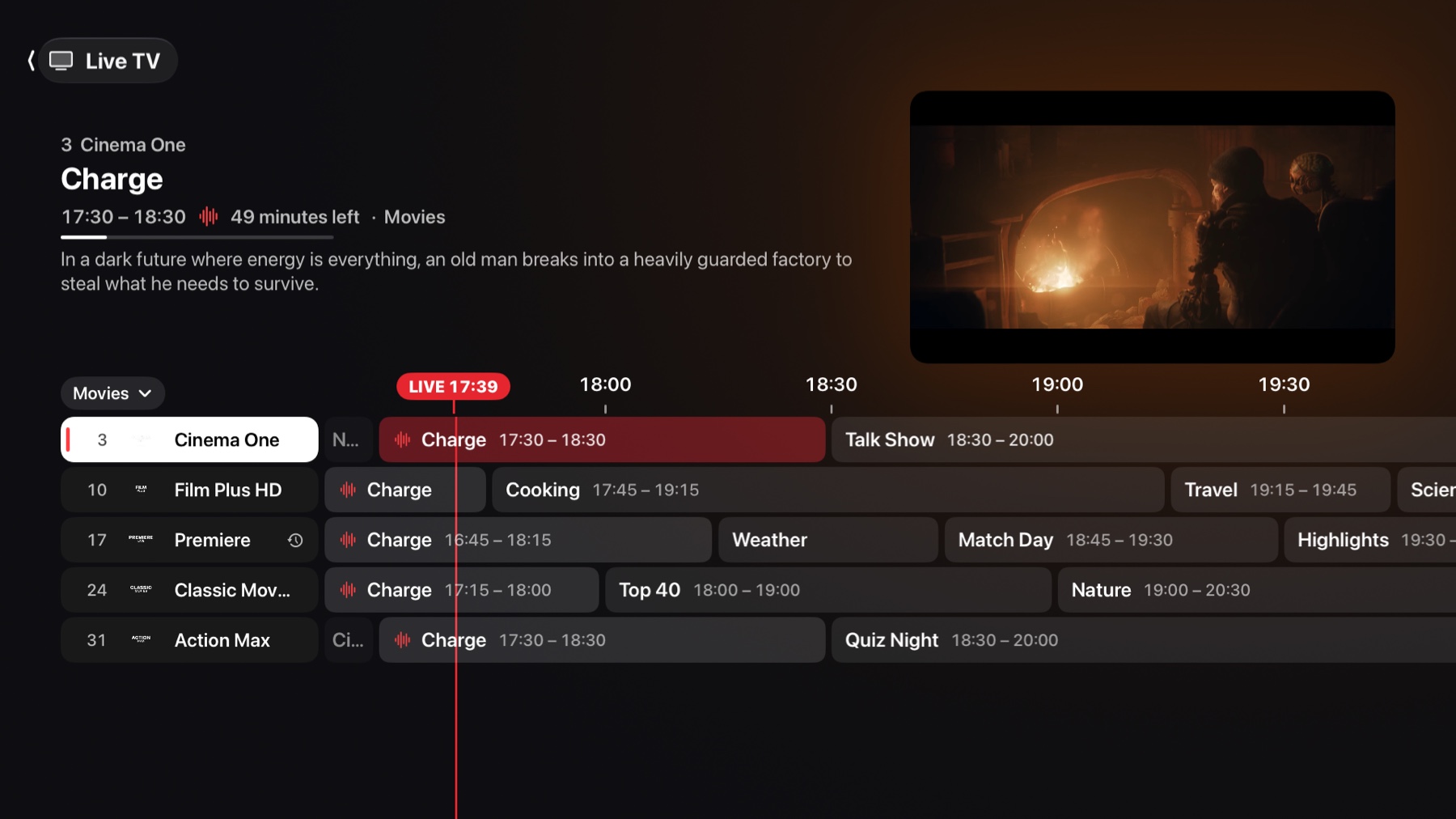
Guide
The whole guide sits under the channel you’re watching.
Catch‑up
If your provider keeps an archive, watch what was on up to a week ago.
Groups
Put the provider’s groups in any order.
Recording Supporter
A channel now or a programme from the guide, on a computer or Android.
Reminders Supporter
Get a reminder before a programme starts.
07
Watch Together
Start a party Supporter
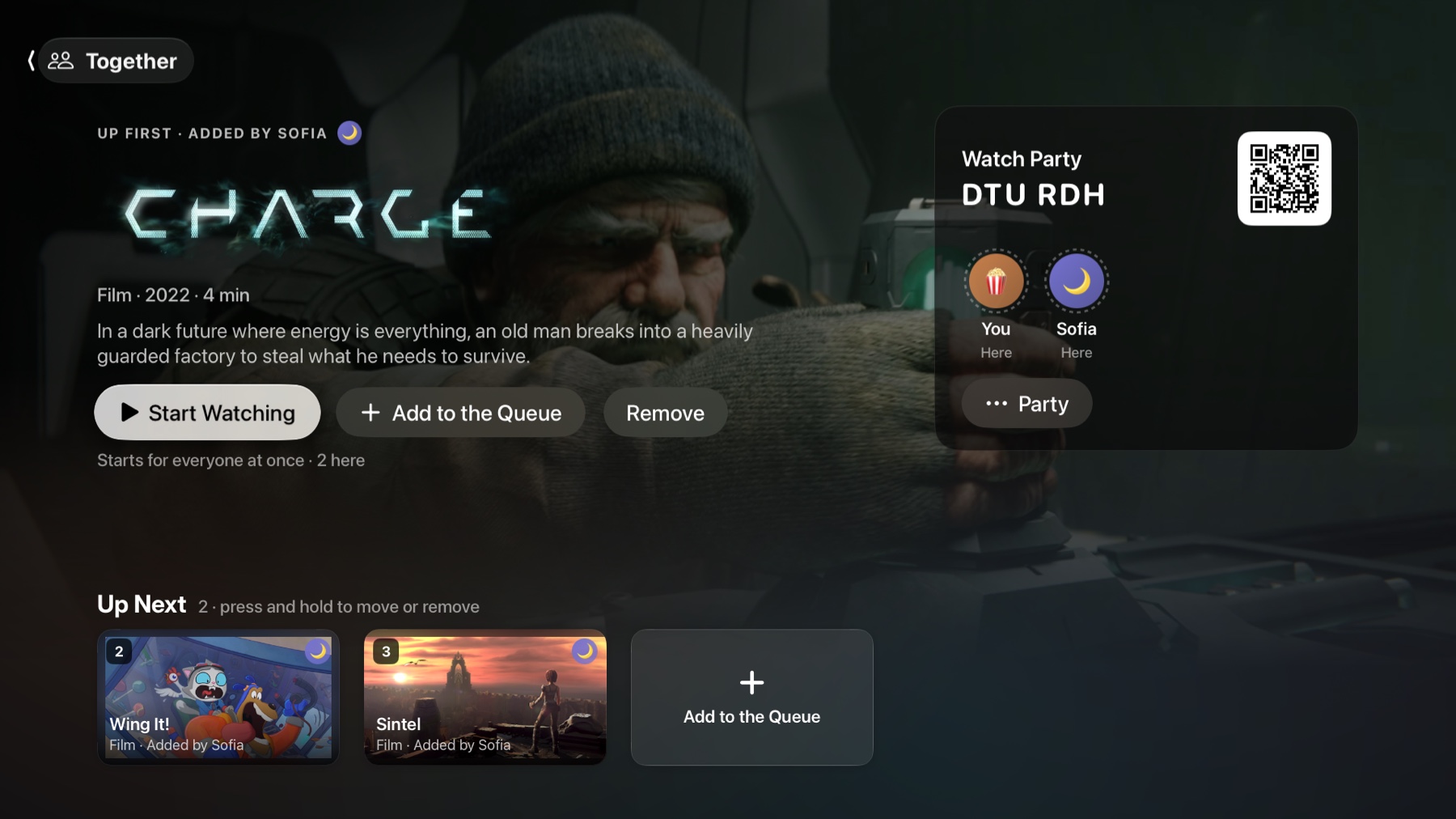
From a title or the player. You get a code and a link to send.
Join one
Anyone with a Marten account joins with the code. They don’t need Supporter.
In step
Everyone sees the same moment. The host can keep control of play and pause, or share it.
Chat
Send messages and quick reactions over the film.
08
Make it yours
Themes
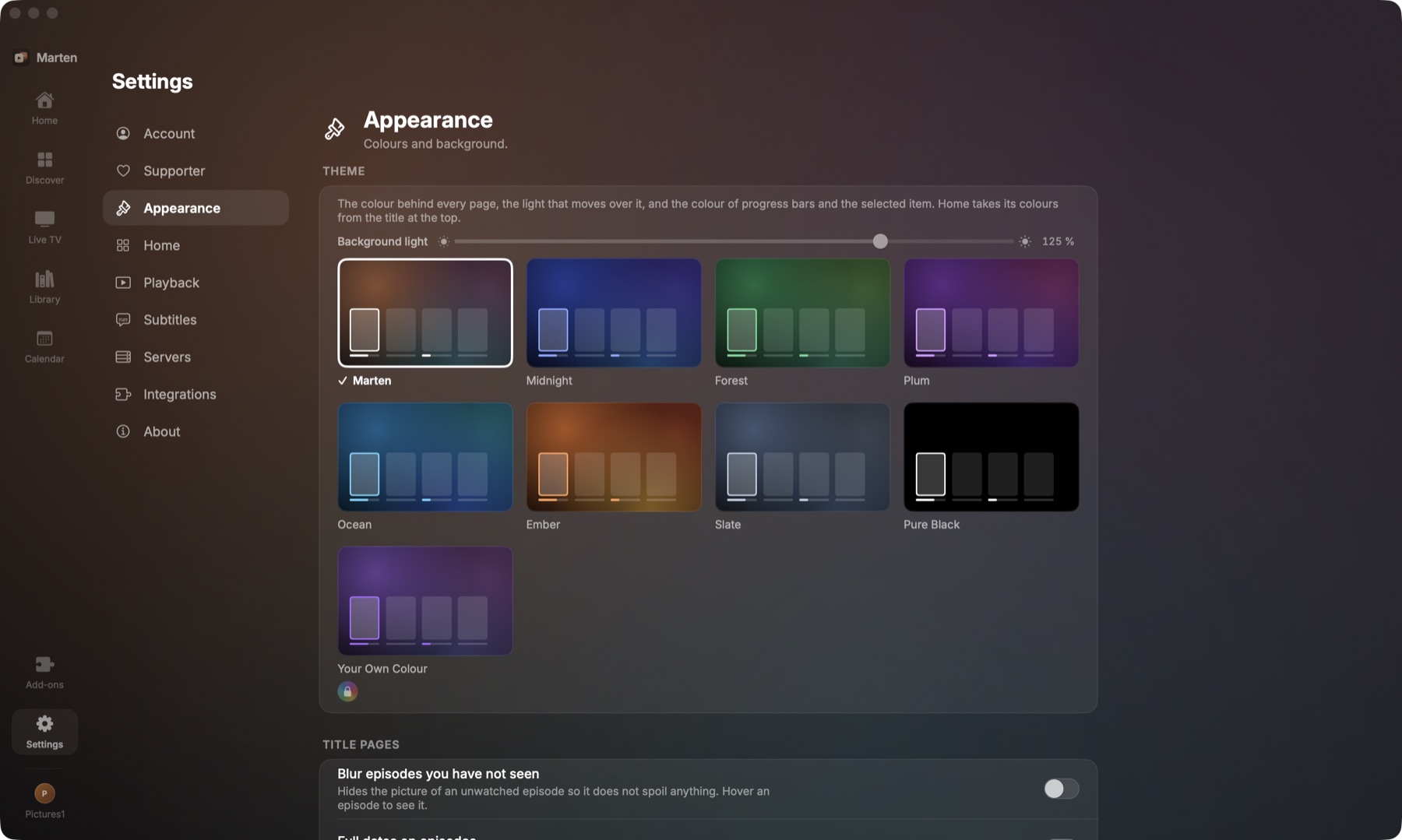
Eight of them, and you can turn the light behind each page up or down.
Profiles
Give each one an emoji or an initial, on a colour.
Any colour Supporter
Any colour for a theme, and your own photo for a profile.
App icons Supporter
Pick another icon for the app.
09
Your account
Free
One free account works in every app.
Sign in on a TV
Scan a code with your phone instead of typing your password.
Two‑step
Turn on two‑step verification with an authenticator app, if you want.
Seven languages
English, German, Spanish, French, Brazilian Portuguese, Italian and Swedish, chosen in the app. Marten Player, the App Store app, is in English.
Downloads Supporter
Save a film or an episode to watch without a connection, on a phone, tablet or computer.