 Marten
A media player for Mac and Apple TV.
Marten plays the add-ons and files you bring. What you have watched, and where you stopped, follows you between all your devices.
Not released yet. The Mac app comes first, then Apple TV. It is free.
Windows, Linux, Android, Android TV and iOS are planned too. It is the same account on all of them.
On Apple TV Match Content sets the TV to the film’s frame rate and dynamic range. Continue Watching shows up in the Top Shelf.
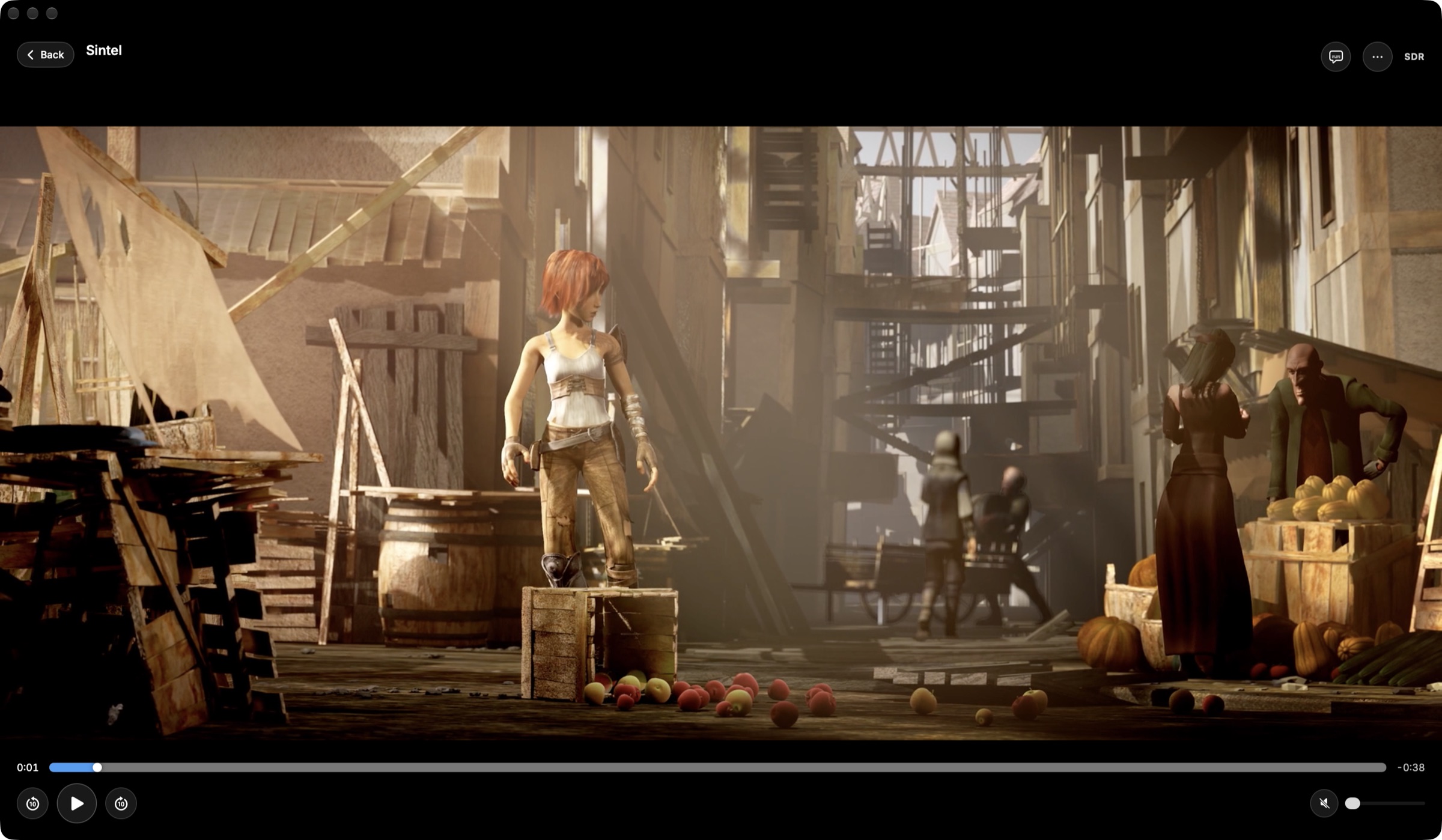
On Mac You can open a file from your disk and run the whole player from the keyboard.
Picture and sound
Dolby Vision and HDR10+ if your screen can show them, and Atmos if your speakers can play it.
- Dolby Vision
- HDR10+
- HDR10
- HLG
- Dolby Atmos
- 4K
The video goes to Apple’s own video pipeline, so HDR and Dolby Vision reach the TV unchanged. Dolby Vision profiles 5, 7 and 8 work, and so does Dolby Vision in AV1. Atmos in Dolby Digital Plus is passed on untouched to a receiver, a soundbar or AirPods.
It opens Matroska, AV1, HEVC and VP9 files and plays 4K remuxes at full bitrate. FFmpeg reads the file, and Apple’s hardware decodes it when it can.
In the player
The controls in these pictures are redrawn for this page.
Your library follows you
- Everywhere you sign in Continue Watching, new episodes and the calendar of what airs are the same on every device.
- Profiles Everyone in the house can have one, with a PIN if they want.
- Your own order Make collections and put Home’s rows in the order you like.
- Add-ons by address You paste the address in. Marten uses the open add-on protocol that Stremio made.
- Coming from Stremio? Your library, watched marks, add-ons and profiles can be imported in one go.
Try it when the Mac app is out.
One account works in every Marten app and costs nothing. Questions go to hello@getmarten.app.
Create an account